


1/7/24

Registering a sole proprietorship in the Central Register and Information on Economic Activity (CEIDG) is an intuitive process that can be completed online.
1/7/24
The first step is to have a Trusted Profile. You can create one on the website pz.gov.pl.
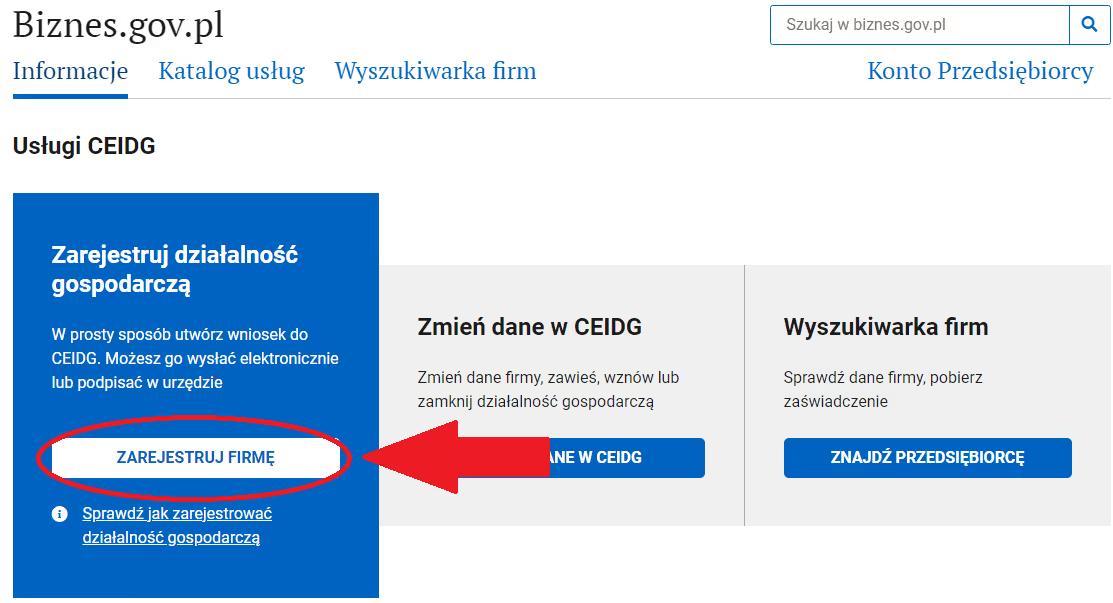
After creating your Trusted Profile, go to biznes.gov.pl and navigate to the "Register a company" section.
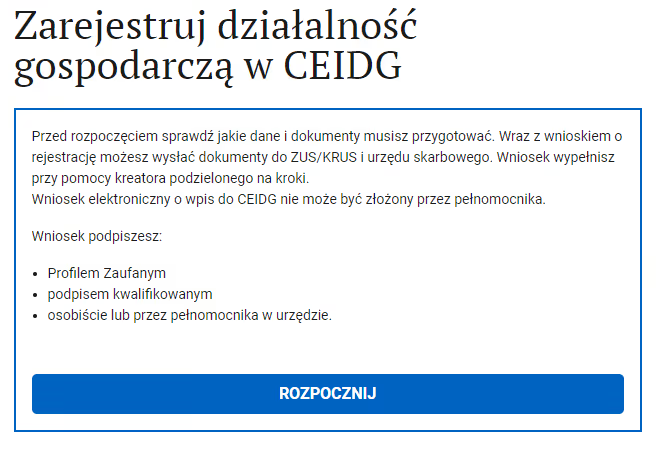
On the next page, click "Start".
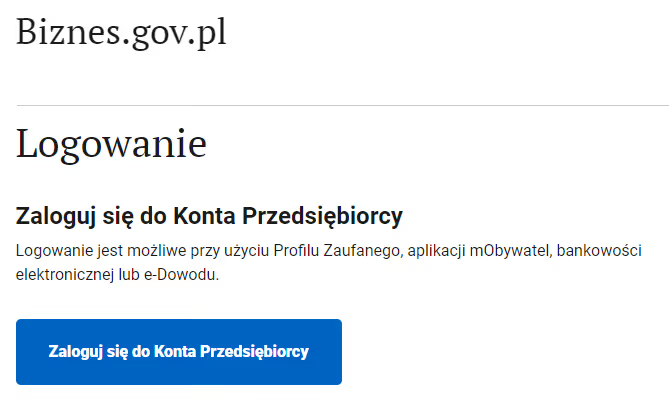
Select the option "Log in to the Entrepreneur's Account", then log in with your Trusted Profile.
After logging in, you will be asked to confirm your email address by entering a confirmation code on the page.
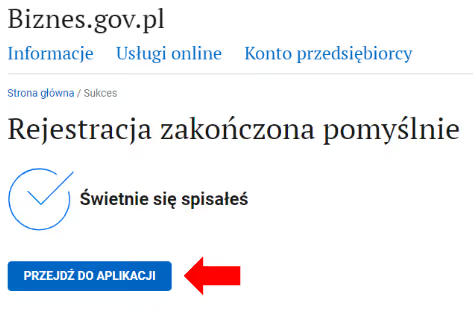
After confirming your email address and successfully registering on the biznes.gov.pl portal, you can proceed to the application.
Next, you will enter your personal information. All fields marked with an asterisk are mandatory.
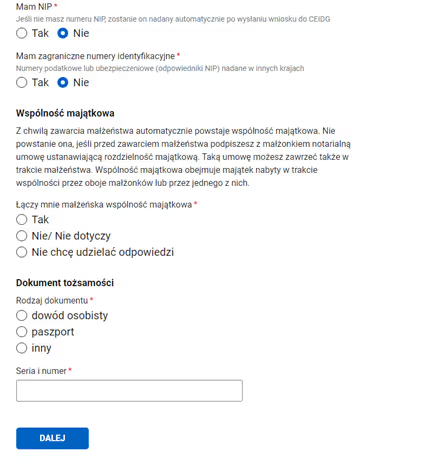
Then, on subsequent pages:
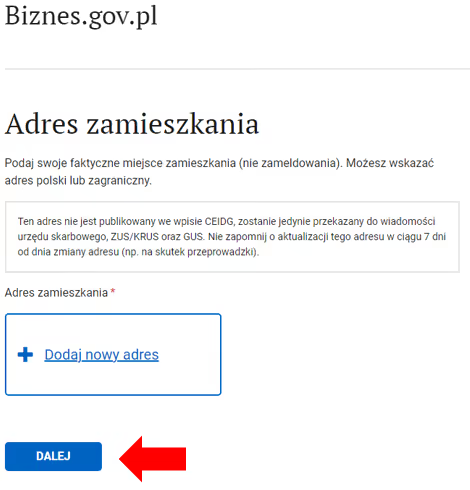
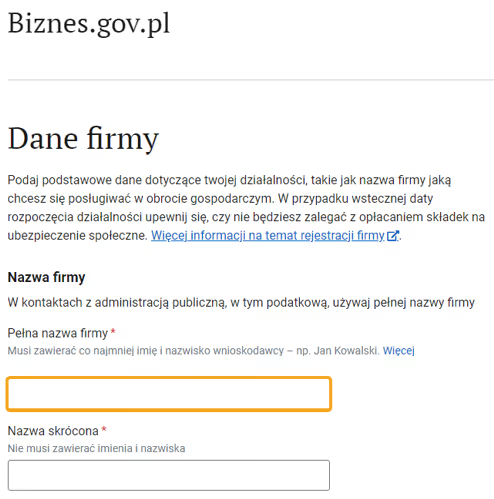
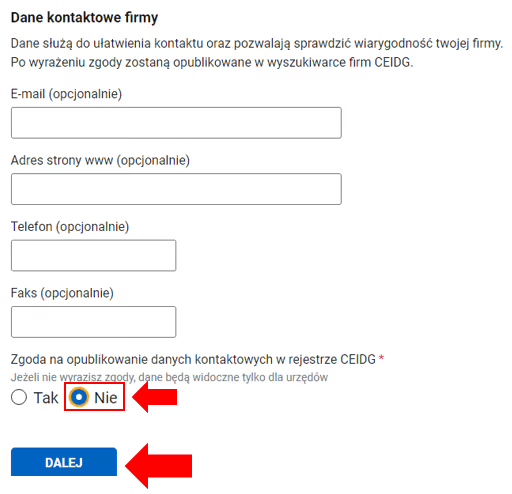
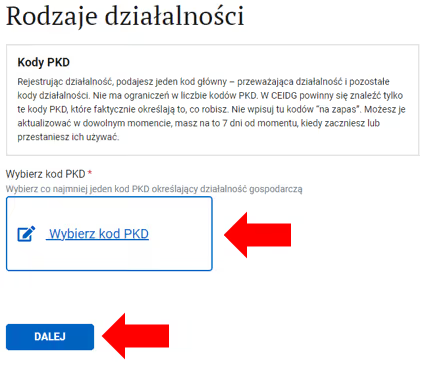
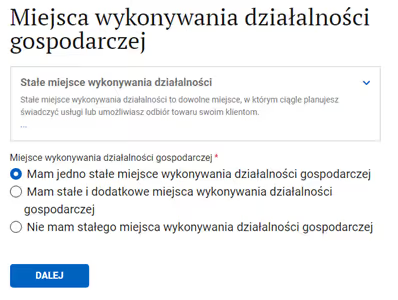
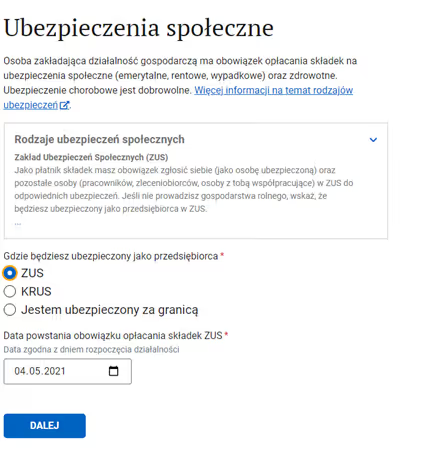
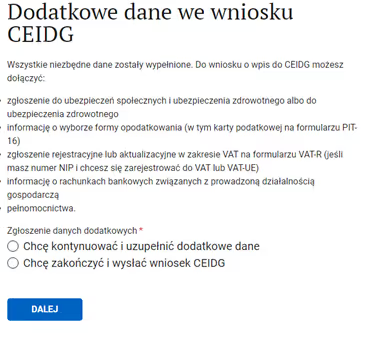
Finally, sign the documents using a Trusted Profile, Qualified Electronic Signature, or via online banking.
After signing the documents, submit the application. Remember that merely signing the application does not mean it has been submitted.